Lightcurve Analysis Plots#
Intro
We can start by importing our favorite package: elk!
[1]:
import elk
import numpy as np

%config InlineBackend.figure_format = "retina" # Not required, only applicable for Jupyter Notebooks
Lightcurve Setup#
Now let’s do a simple ensemble lightcurve fit to NGC 419
[2]:
c = elk.ensemble.EnsembleLC(output_path='.',
                            identifier='NGC 419',
                            location='23.58271, +61.1236',
                            radius=.046,
                            cluster_age=7.75,
                            cutout_size=25,
                            verbose=True,
                            minimize_memory=False)
[3]:
c.create_output_table()
NGC 419 has 4 observations
Starting Quality Tests for Observation: 0
100%|█████████████████████████| 625/625 [00:24<00:00, 25.94it/s]
  Passed Quality Tests
Starting Quality Tests for Observation: 1
100%|█████████████████████████| 625/625 [00:27<00:00, 22.42it/s]
  Passed Quality Tests
Starting Quality Tests for Observation: 2
100%|█████████████████████████| 625/625 [00:24<00:00, 25.22it/s]
  Failed Scattered Light Test
Starting Quality Tests for Observation: 3
100%|█████████████████████████| 625/625 [02:28<00:00, 4.20it/s]
Failed Scattered Light Test
Plotting the lightcurve itself#
Let’s quickly grab the 3rd lightcurve since that sector is usually looking lovely this time of year
[4]:
lc = c.lcs[1]
The plotting of the lightcurve itself is rather straightforward!
[5]:
lc.plot()
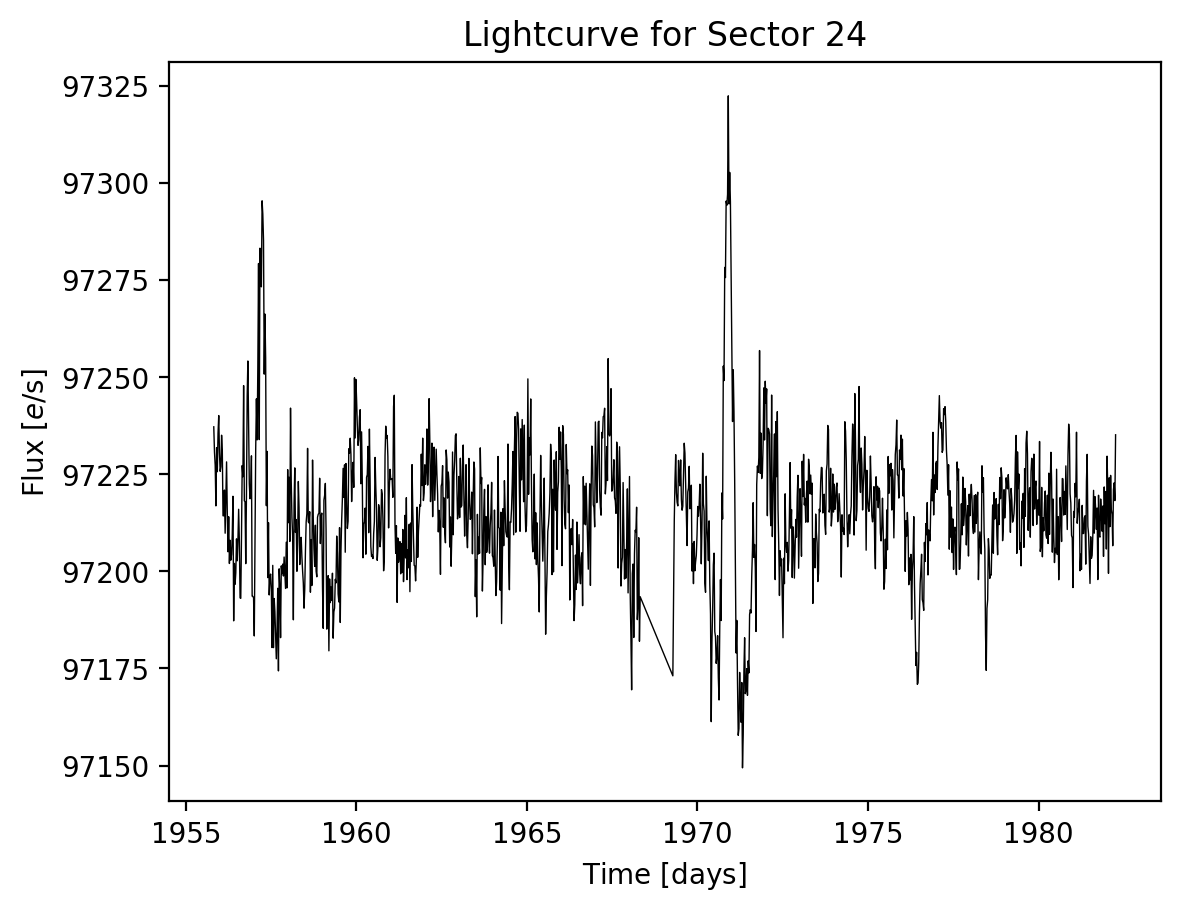
[5]:
(<Figure size 640x480 with 1 Axes>,
 <Axes: title={'center': 'Lightcurve for Sector 24'}, xlabel='Time $\\rm [days]$', ylabel='Flux $[e / {\\rm s}]$'>)
But it can also be very flexible if you like
[6]:
lc.plot(title=f"My snazzy new lightcurve from sector {lc.sector}", color="tab:purple", marker="o", markersize=0.5, alpha=0.75)
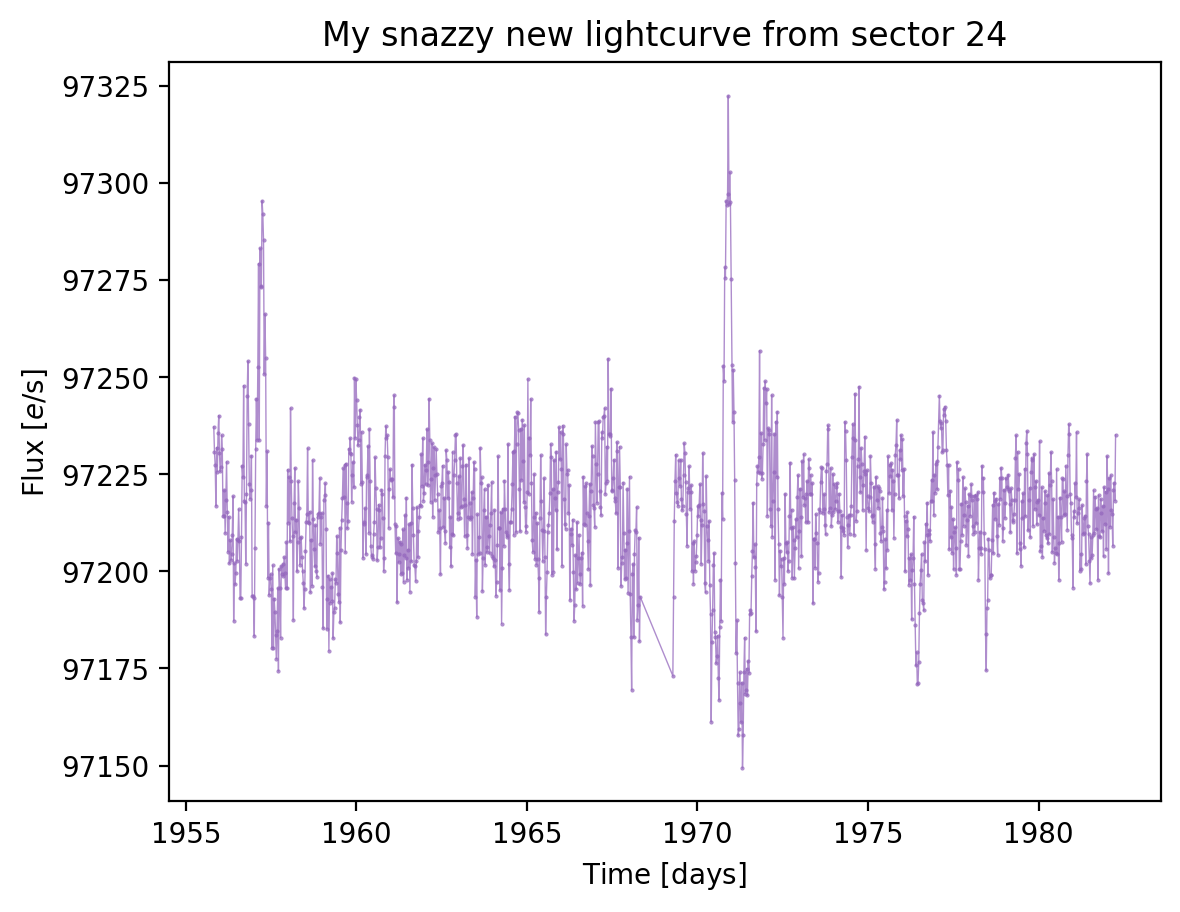
[6]:
(<Figure size 640x480 with 1 Axes>,
 <Axes: title={'center': 'My snazzy new lightcurve from sector 24'}, xlabel='Time $\\rm [days]$', ylabel='Flux $[e / {\\rm s}]$'>)
Periodogram plotting#
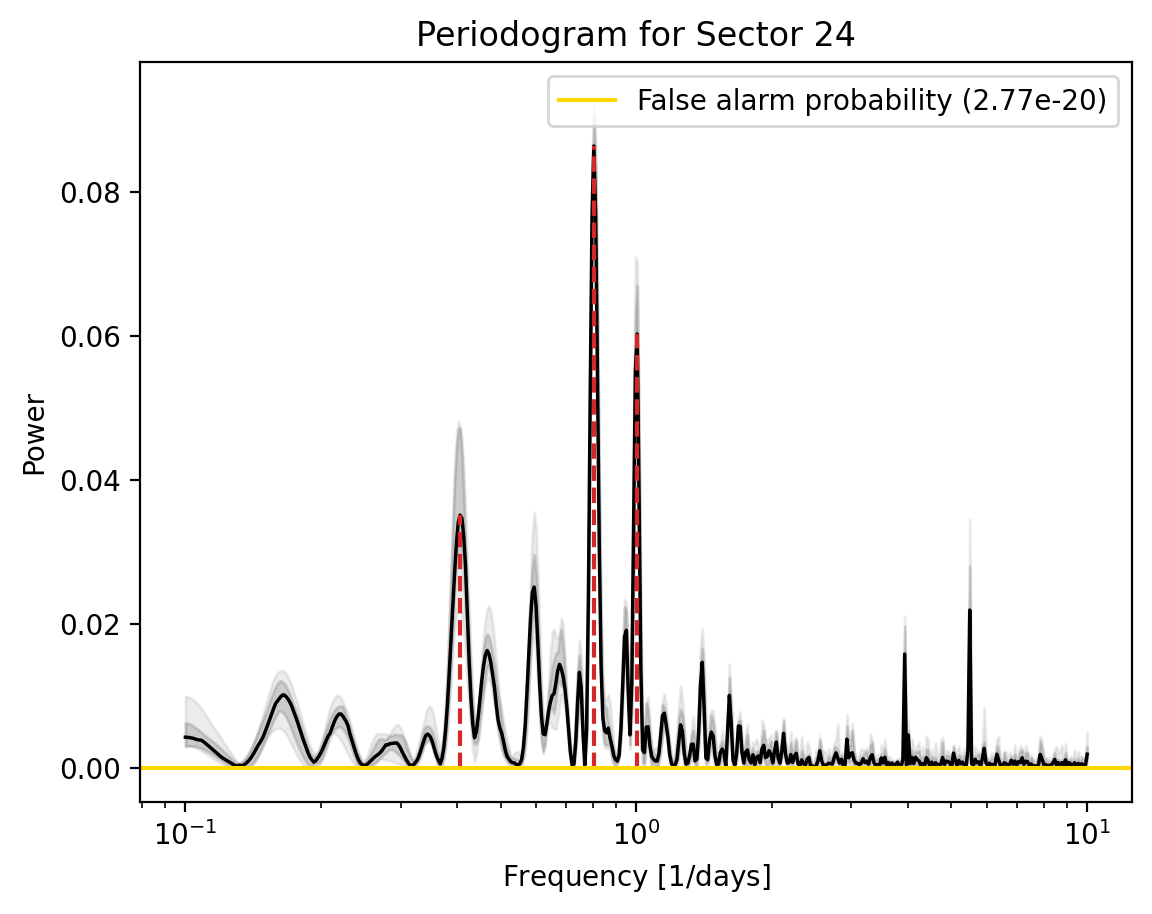
Now let’s try plotting out the periodogram, for this we’ll need an array of frequencies
[7]:
lc.to_periodogram(frequencies=np.logspace(-1, 1, 500), n_bootstrap=10)
_ = lc.plot_periodogram()
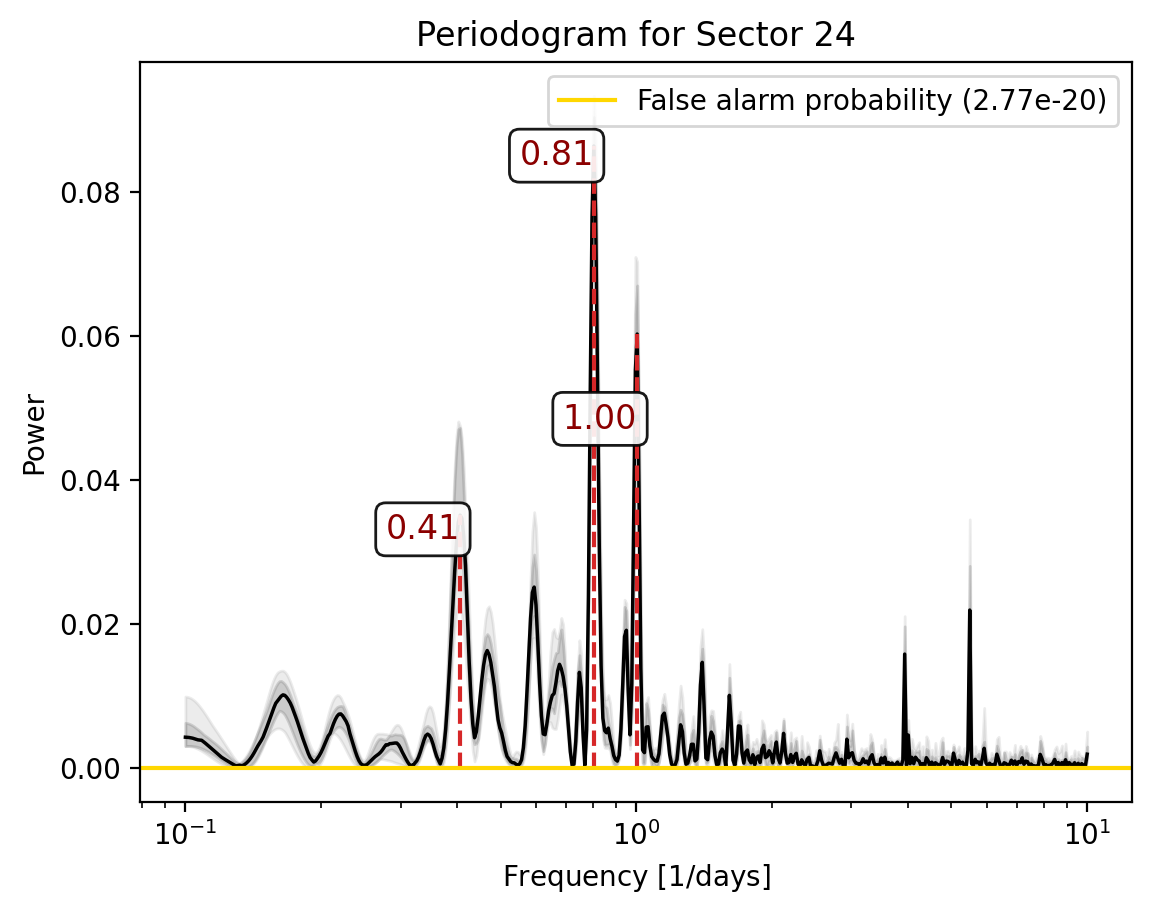
This plot can be similarly flexible in how you do things
[8]:
fig, ax = lc.plot_periodogram(show=False)

for peak_ind in range(lc.stats["n_peaks"]):
    peak, peak_power = lc.stats["peak_freqs"][peak_ind], lc.stats["power_at_peaks"][peak_ind]
    ax.annotate(f'{peak:1.2f}', xy=(peak, peak_power), ha="right", va="bottom", color="darkred",
                fontsize="large", bbox=dict(boxstyle="round", fc="white", alpha=0.9))
Plotting the autocorrelation function#
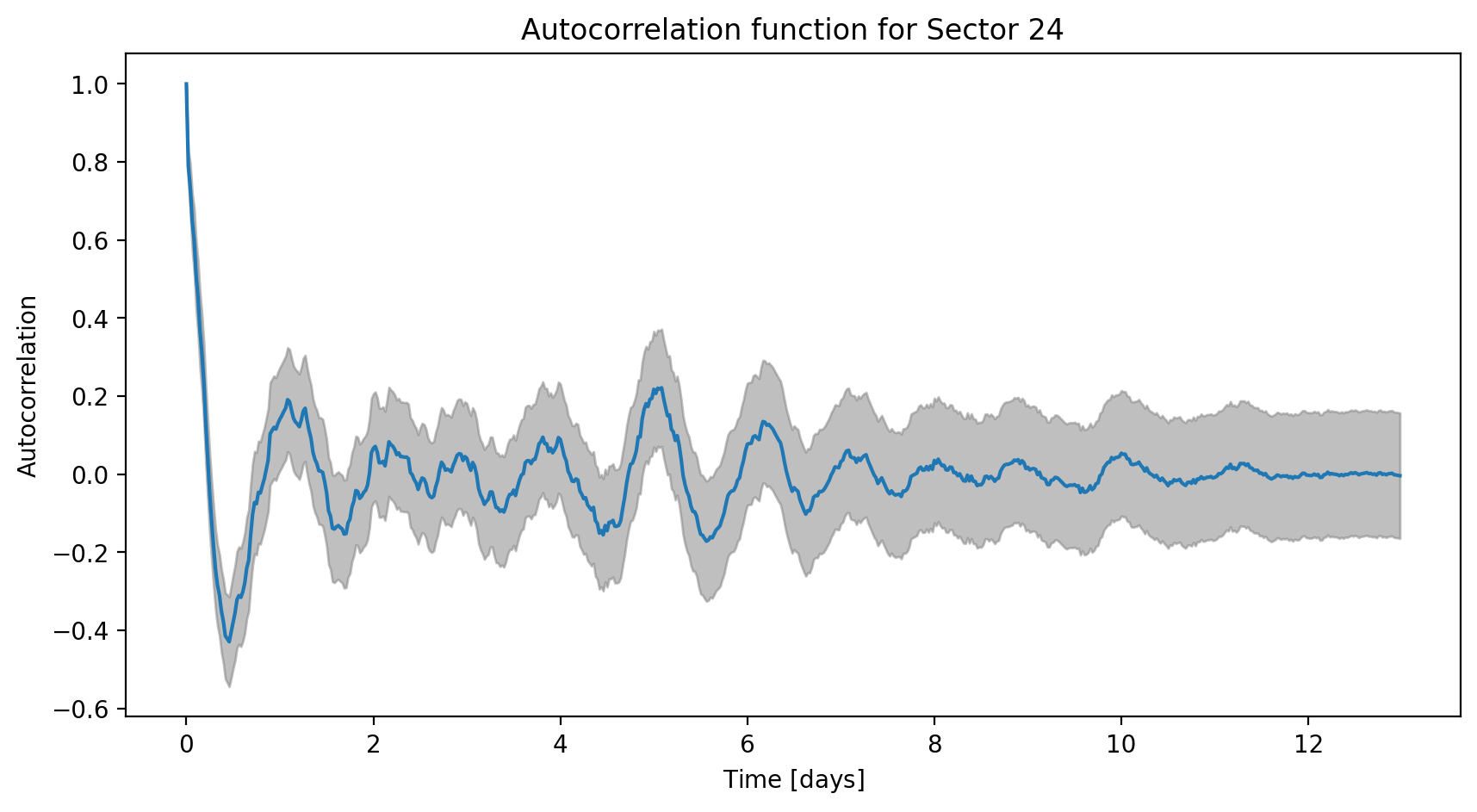
The last of our trio of plots is the autocorrelation function. This one can be used in the same ways as above and can be called as
[9]:
_ = lc.plot_acf()
All together now#
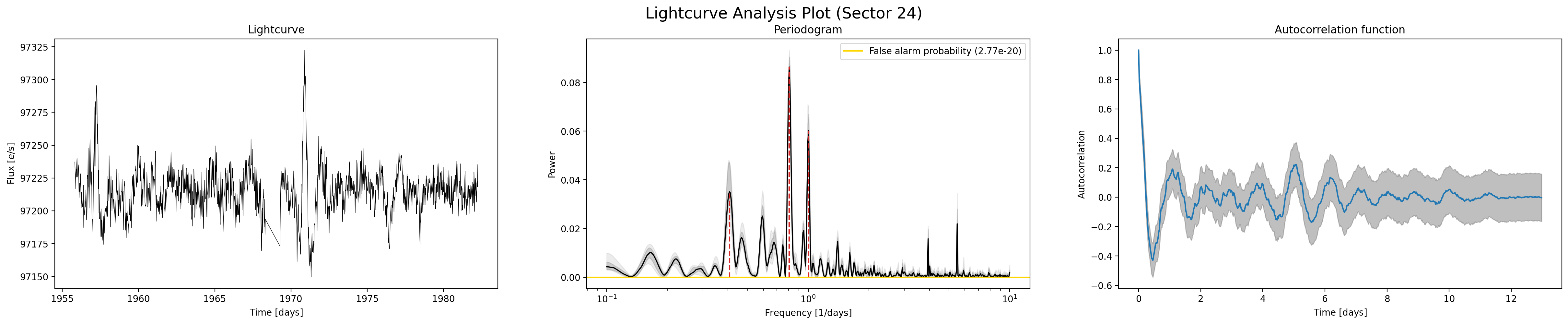
In many cases it can be convenient to get all of these plots quickly and for that purpose we have lc.analysis_plot()
[10]:
_ = lc.analysis_plot()
Note
This tutorial was generated from a Jupyter notebook that can be found here.